
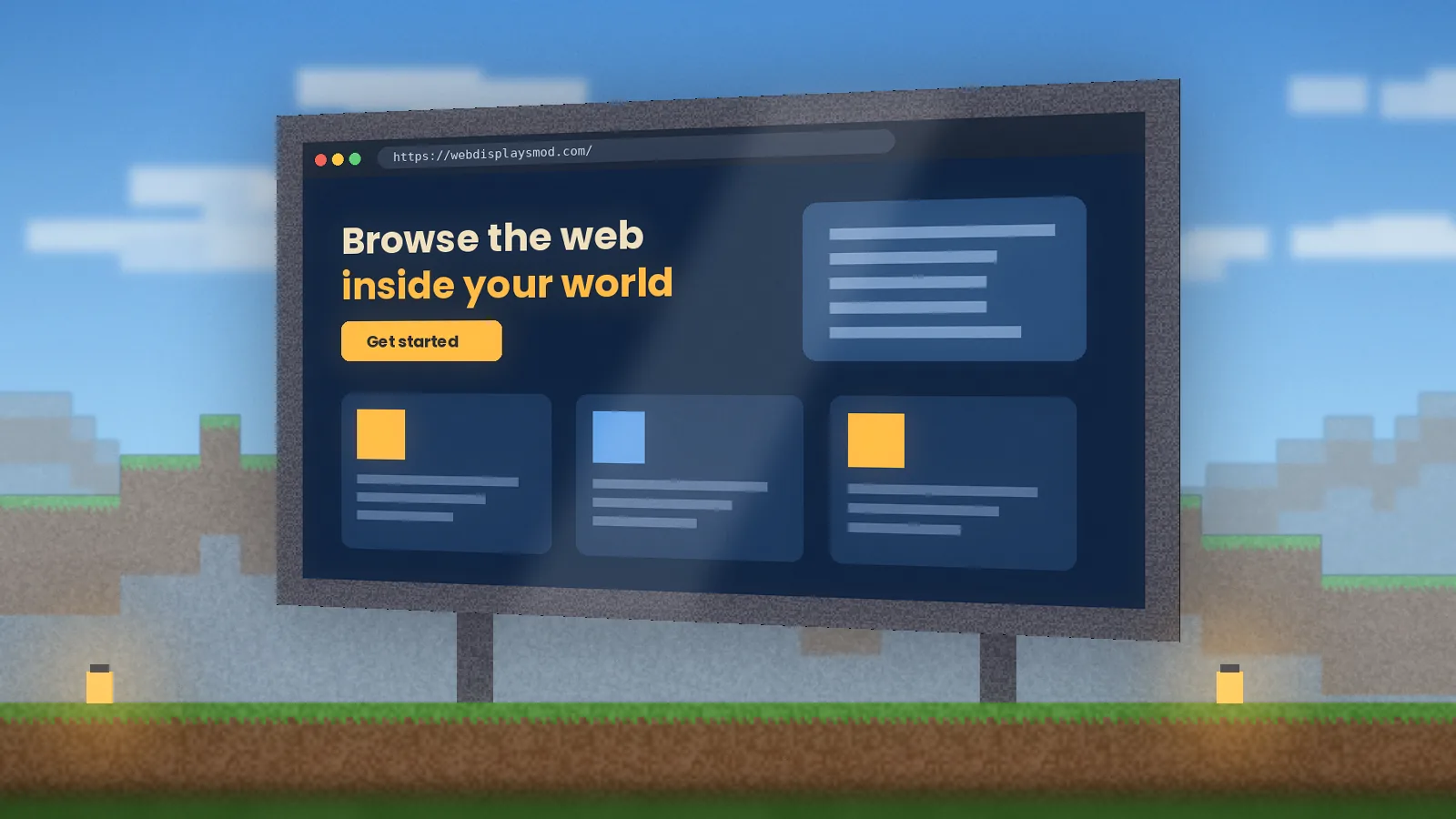
Real Chromium browser screens
Load any modern site, from documentation to web apps. Pages render with a genuine browser engine, so layouts, scripts and video behave the way you expect.
Everything WebDisplays adds to Minecraft, from real browser screens to redstone control, and how each piece helps your builds.
The quick overview.
Load any modern site, from documentation to web apps. Pages render with a genuine browser engine, so layouts, scripts and video behave the way you expect.
Place screen blocks in a flat rectangle and they merge into one display. A small wall panel for recipes or a stadium-scale billboard for events both work.
Link a keyboard block to a screen and type straight into search boxes and forms without leaving the game.
Click on distant screens with the laser, or change the page from across the room with the remote controller.
Carry a personal browser in your inventory for wikis and maps while you explore, then put it away.
Owners choose resolution, rotation and who may click or type, which keeps public screens on servers under control.
Upgrade screens to react to redstone, so a lever, button or daylight sensor can switch pages automatically.
Screens sync their URL to everyone on a server, so a whole group can watch the same page on the same wall.
Server config options let admins set limits, such as screen size caps and blocked domains, before opening screens to the public.
The features players ask about most, in detail.
Pages render through MCEF, a Chromium engine embedded in Minecraft. That means modern CSS, JavaScript, web fonts and HTML5 video all work, and you get the same page you'd see in a desktop browser. It's the single feature that sets WebDisplays apart from computer mods that simulate a screen.
Screen blocks placed next to each other in a flat rectangle merge into one surface. Resolution is set separately from physical size, so a huge wall can still run at 720p to protect performance, while a small kiosk can stay crisp.
Link a keyboard to type, aim the laser pointer to click from a distance, switch pages with the remote, or carry the Minepad tablet for a personal browser. The Linker item connects peripherals to screens.
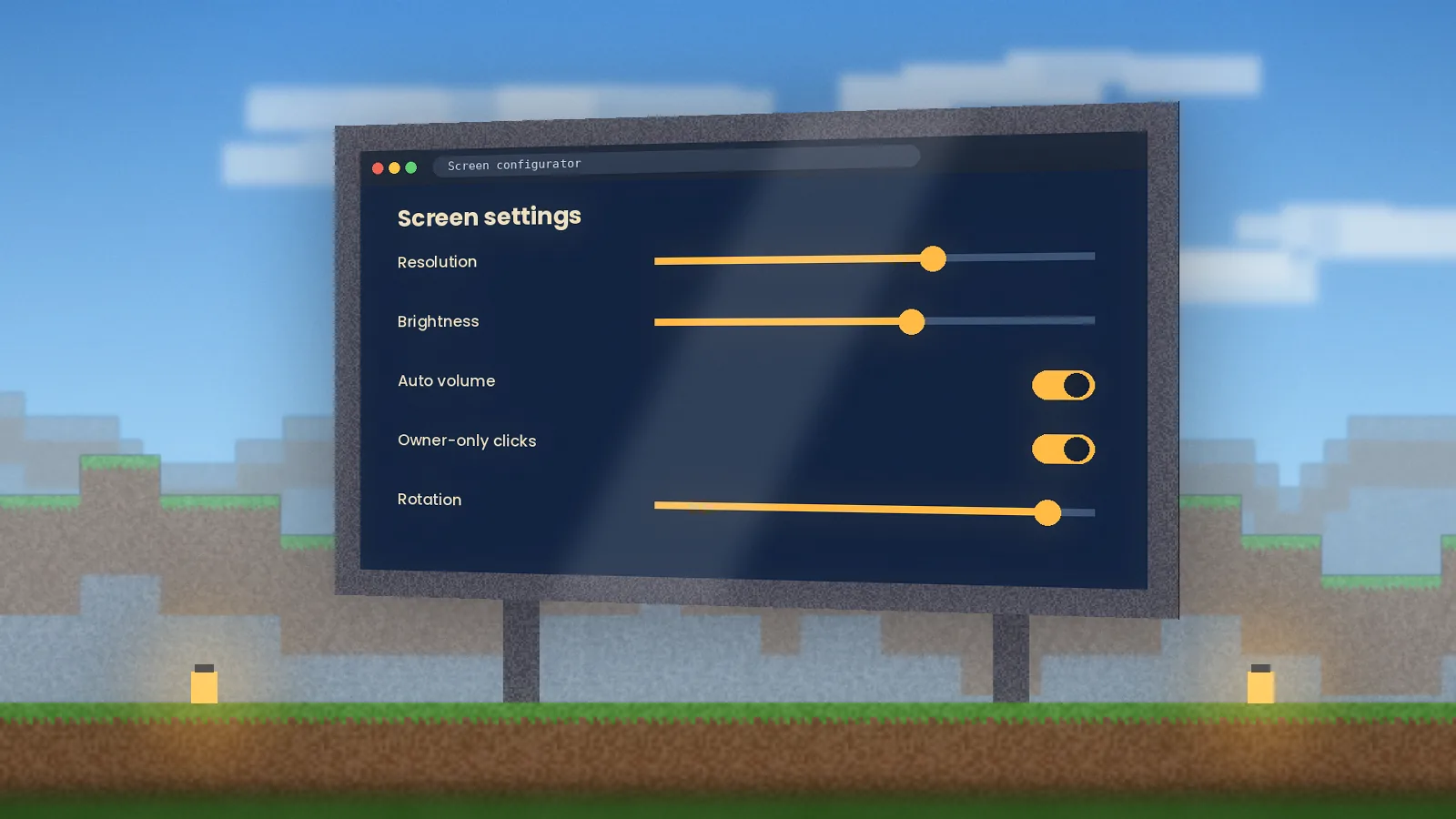
Screens sync their URL across players, owners control who can interact, and admins can set limits in the server config. That makes public cinemas, lobbies and dashboards practical on busy servers.
What happens between placing a block and watching a video on it.
Adjacent screen blocks merge into one display with a width, height and facing.
A Chromium instance renders the page off-screen, sized to the screen's resolution.
Each rendered frame is uploaded to the GPU and drawn on the blocks in your world.
Clicks from you, the laser or the keyboard become real browser mouse and key events.
The screen's URL and settings are shared, so every player sees the same page.
An honest look before you add it to a modpack.
Six groups get the most from in-game web screens.
Pin a lesson, diagram or timer to a classroom wall in Minecraft Education-style builds on Java servers.
Build a lounge that plays trailers, a lobby that shows server rules, or an arcade with browser games.
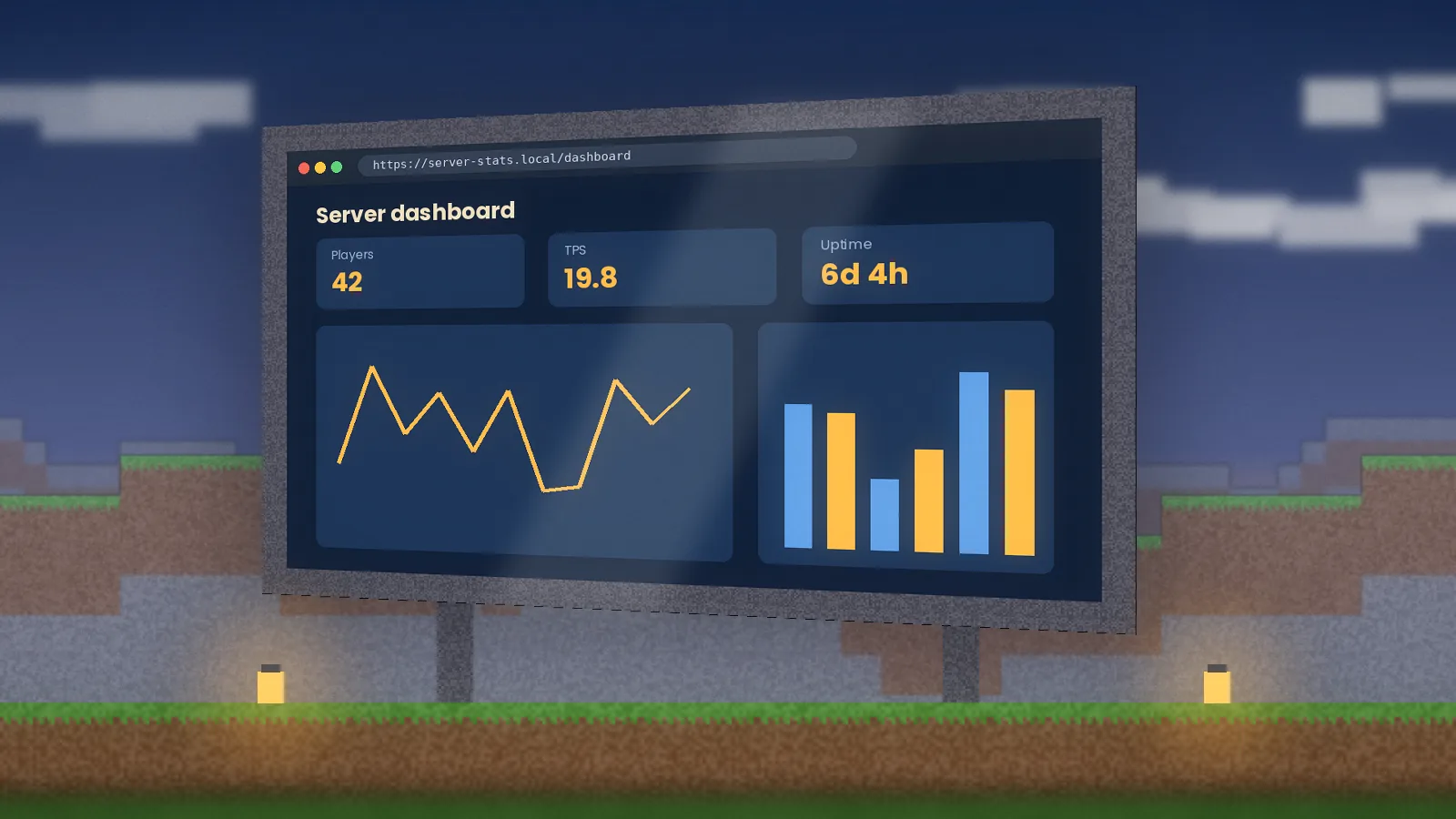
Show CI dashboards, docs or a live API response inside a test world while you build.
Run branded events and virtual showrooms with product pages on in-world billboards.
Display live data, papers or simulations inside a shared virtual lab for group sessions.
Put chat, alerts or a watch party on a giant screen for more memorable streams and videos.
Eight scenes from our test worlds. Select any image to enlarge it.
Grab the official build, match it to your Minecraft version and follow our five-minute setup.