Web Displays Mod user guide

From your first screen to a synced server cinema: placing screens, linking peripherals, permissions, upgrades and performance.

Watch: your first screen in five minutes

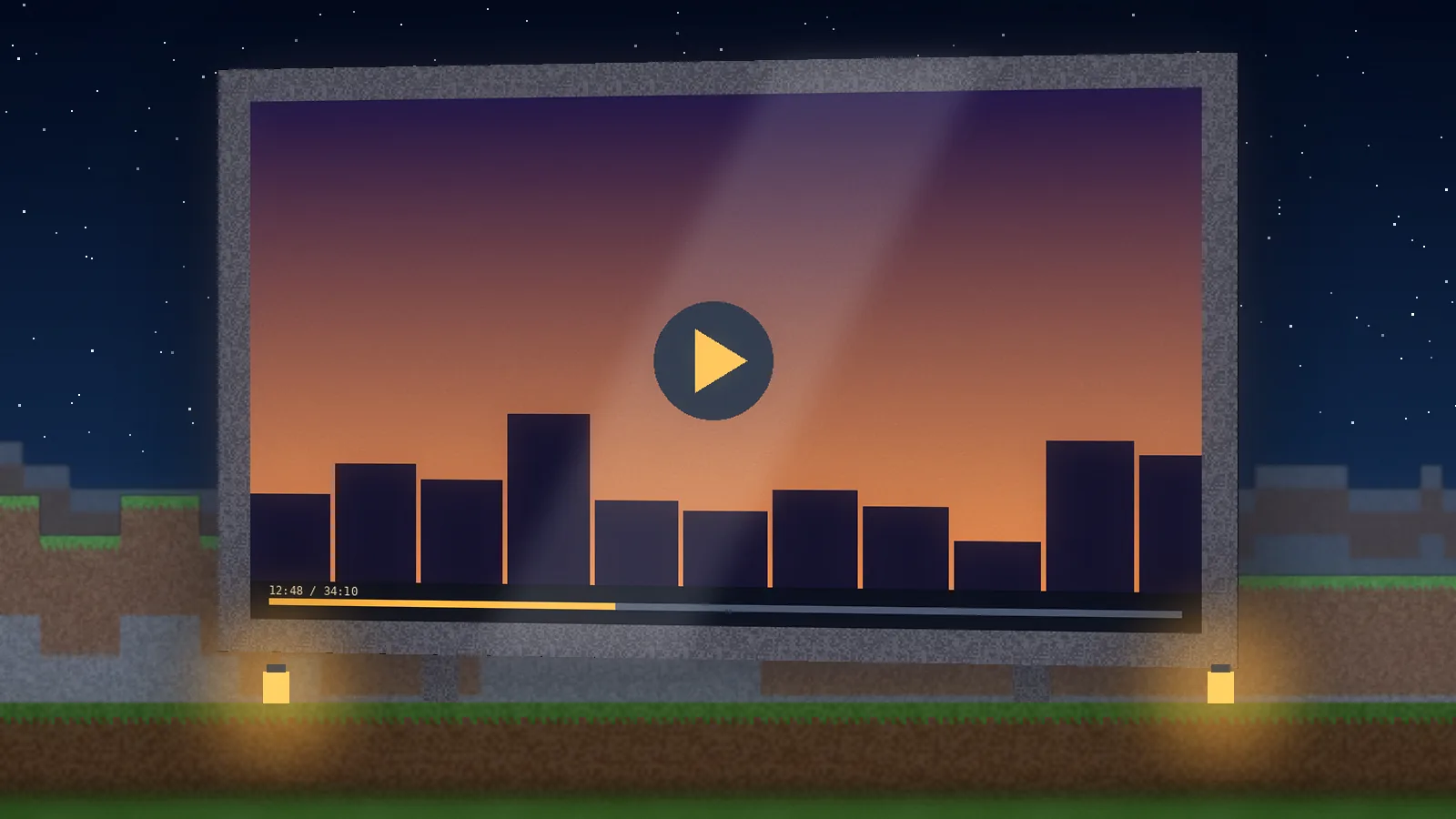
Video: Web Displays Mod first screen in five minutes

Video walkthrough: build a screen, link a keyboard and lock permissions (5:12).

How to use Web Displays Mod

Beginner steps, advanced setups, best practices and handy controls.

Beginner guide

  1. Open the WebDisplays creative tab, or craft the items in survival.
  2. Place screen blocks in a flat rectangle on a wall. They join into one display.
  3. Interact with the screen to open its menu and enter a URL.
  4. Right-click on the page to click links. Link a keyboard with the Linker item to type.

Advanced guide

  • Use the screen configurator to set resolution, rotation and who may interact.
  • Install upgrades to let redstone signals change pages or trigger clicks.
  • Link a remote controller to swap pages from anywhere in the room.
  • Admins: review the server config before enabling public screens.

Best practices

Keep screen resolution modest (720p is plenty for most walls), limit the number of screens playing video at once, and lock public screens to their owner on multiplayer servers.

Tips and tricks

Use a dark-mode website on night builds so the screen doesn't glare. Point a cinema screen at a playlist URL so it keeps playing, and bookmark server rules as a lobby screen.

Handy controls

Defaults can differ between builds; check Options, then Controls, for your version.

Click a screenRight mouse
Leave typing modeEsc
Paste a URLCtrl + V
Next field in a menuTab
Hide HUD for clean cinema shotsF1
Take a screenshotF2
Toggle fullscreenF11
Reload resourcesF3 + T

How it works

What happens between placing a block and watching a video on it.

  1. Screen blocks form a surface

    Adjacent screen blocks merge into one display with a width, height and facing.

  2. MCEF runs a hidden browser

    A Chromium instance renders the page off-screen, sized to the screen's resolution.

  3. Frames become a texture

    Each rendered frame is uploaded to the GPU and drawn on the blocks in your world.

  4. Your input is forwarded

    Clicks from you, the laser or the keyboard become real browser mouse and key events.

  5. The server keeps players in sync

    The screen's URL and settings are shared, so every player sees the same page.

Advanced setups

Setting up a public cinema

Build the wall, set resolution to 1080p, point it at a playlist, then open the configurator and restrict interaction to the owner. Add a remote controller for staff so shows can be changed without walking to the screen.

Redstone automation

Install the redstone upgrade on a screen, then wire a button, lever or daylight sensor. Use it to switch a lobby screen between rules and news, or to start a show when players sit down.

More inspiration: 8 build ideas using WebDisplays screens.

Compatibility reference

Web Displays Mod compatibility
CategoryItemStatusNotes
Operating systemsWindows 10/11SupportedBest tested platform
macOS (Intel and Apple silicon)SupportedNeeds an MCEF build with macOS support
Linux (x64)SupportedMay need extra system libraries
Minecraft editionJava EditionSupportedThe only edition that loads the mod
Bedrock / MCPENot supportedDifferent engine; Java mods cannot run
Mod loaders (framework)ForgeSupportedMain target for 1.12.2 and modern ports
NeoForge / FabricCheck listingOnly if the listing shows a build for your version
Web content (browsers)HTML5 sites, YouTube, web appsSupportedRendered by Chromium
DRM streaming (Netflix and similar)Not supportedEmbedded Chromium lacks the DRM module
DevicesDesktop and laptopSupportedMouse and keyboard recommended
Phones, tablets, consolesNot supportedBedrock-only platforms
IntegrationsDedicated servers and modpacksSupportedInstall on server and every client
Shader packs and OptiFineCheck listingUsually fine; test with your pack

Ready to hang a browser on your wall?

Grab the official build, match it to your Minecraft version and follow our five-minute setup.

Web Displays ModFree, official sources only Download