
Screens are black or blank
MCEF hasn't finished downloading Chromium, or its version doesn't match. Wait for the first-run download, then confirm the MCEF build the WebDisplays listing asks for.
Step-by-step setup for Windows, macOS and Linux, plus what Android and iOS players need to know. Budget about five minutes.
Three things to have ready.
The mod doesn't run on Bedrock, consoles or phones.
Download it from the official Forge site. Fabric only if the listing offers a Fabric file.
Both jars from the download page, matched to your version.
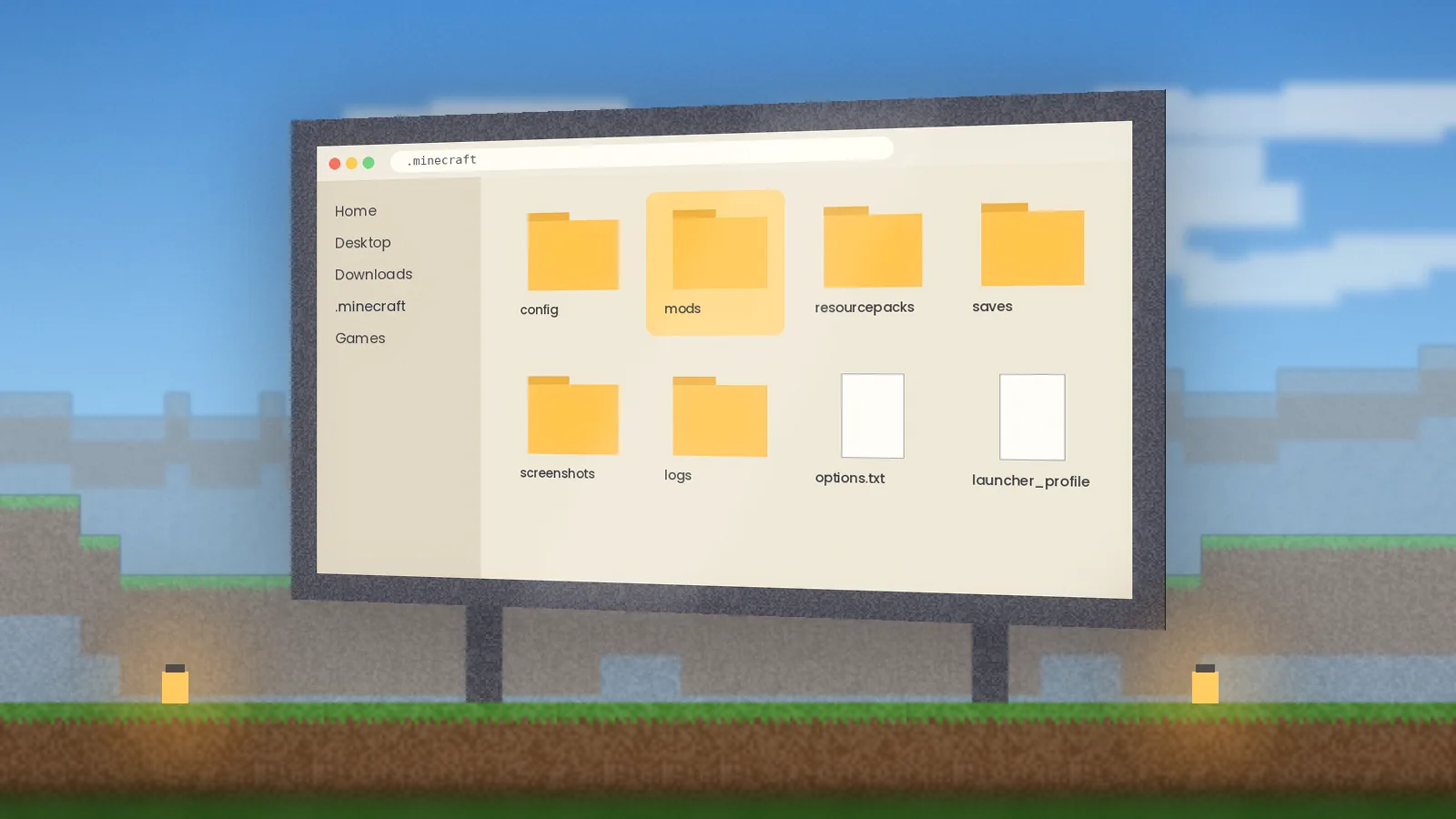
%appdata%\.minecraft\mods and press Enter.~/Library/Application Support/minecraft/mods.java -jar forge-installer.jar and choose Install client, or use a launcher such as Prism Launcher.~/.minecraft/mods; Prism and MultiMC keep one per instance.latest.log for a missing library.WebDisplays is Forge-first. If the official listing has a Fabric file for your version, install Fabric Loader and Fabric API, then add WebDisplays and its listed dependencies. If there's no Fabric file, there's no official Fabric build, and repackaged jars aren't worth the risk.
Read the full breakdown in Install WebDisplays on Forge and Fabric.
The six errors we see most, with fixes. For step-by-step help read how to fix a WebDisplays black screen.
MCEF hasn't finished downloading Chromium, or its version doesn't match. Wait for the first-run download, then confirm the MCEF build the WebDisplays listing asks for.
Almost always a version mismatch. Match Minecraft, Forge, WebDisplays and MCEF exactly, and check the crash report's top lines.
Check the screen's volume settings and Minecraft's master volume. Some sites need a click on the page before audio starts.
Link the keyboard to the screen with the Linker item and make sure you own the screen or have permission.
These use DRM that embedded Chromium doesn't include. Use sources without DRM, such as YouTube.
Lower screen resolution, pause off-screen videos and cap how many screens play at once.
Grab the official build, match it to your Minecraft version and follow our five-minute setup.