Web Displays Mod: put the real web on a Minecraft wall
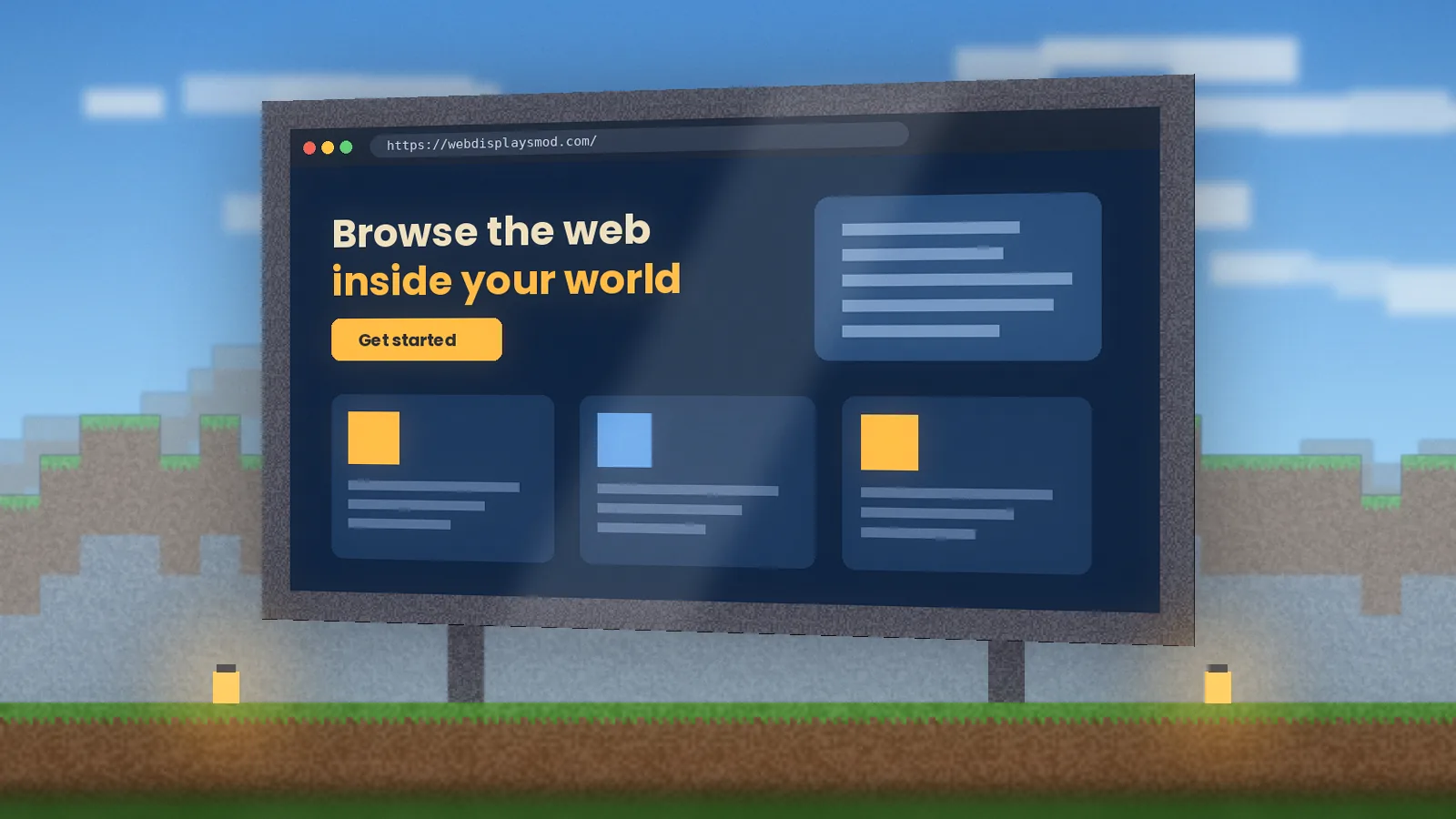
Web Displays Mod adds working, clickable web screens to Minecraft. Build a cinema, a server dashboard or a classroom whiteboard, then drive it with an in-game keyboard, remote or laser pointer. Every Web Displays Mod download link here points to an official release page.
★★★★★ 4.7 from 1,284 reviewsJava Edition, ForgeGuide updated Sep 2026
Official sources onlyOpen-source rootsNo bundled installersDeveloper: montoyo + community
2.4M+downloads tracked
Chromiumengine via MCEF
180K+ players trust our guides
2.4M+ downloads referred
1,284 verified reviews
30+ version updates tracked
3 desktop platforms: Windows, macOS, Linux
180K+ players trust our guides
2.4M+ downloads referred
1,284 verified reviews
30+ version updates tracked
3 desktop platforms: Windows, macOS, Linux
What is Web Displays Mod?
The short answer, the backstory, and who will actually get value from it.
What it is
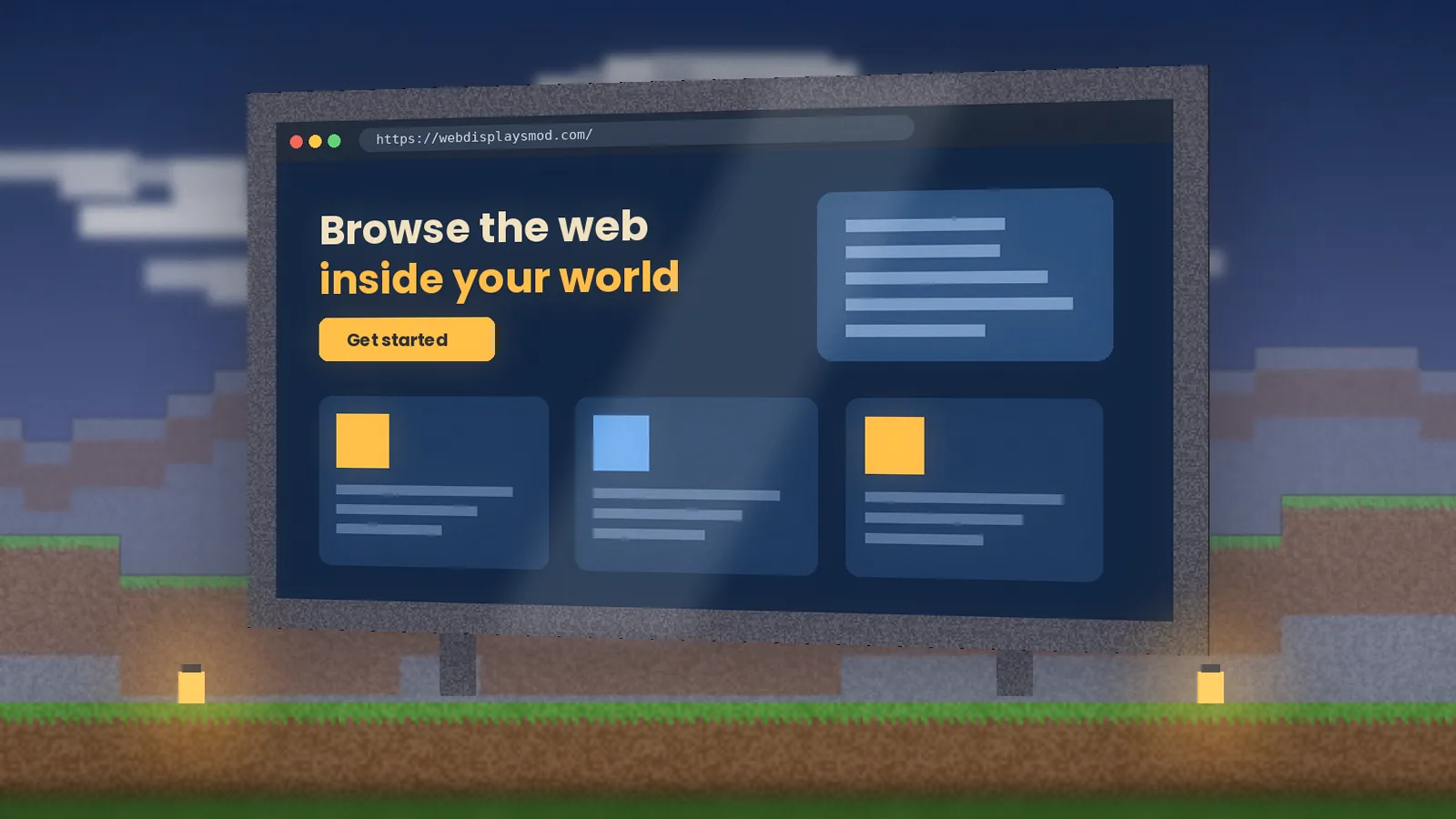
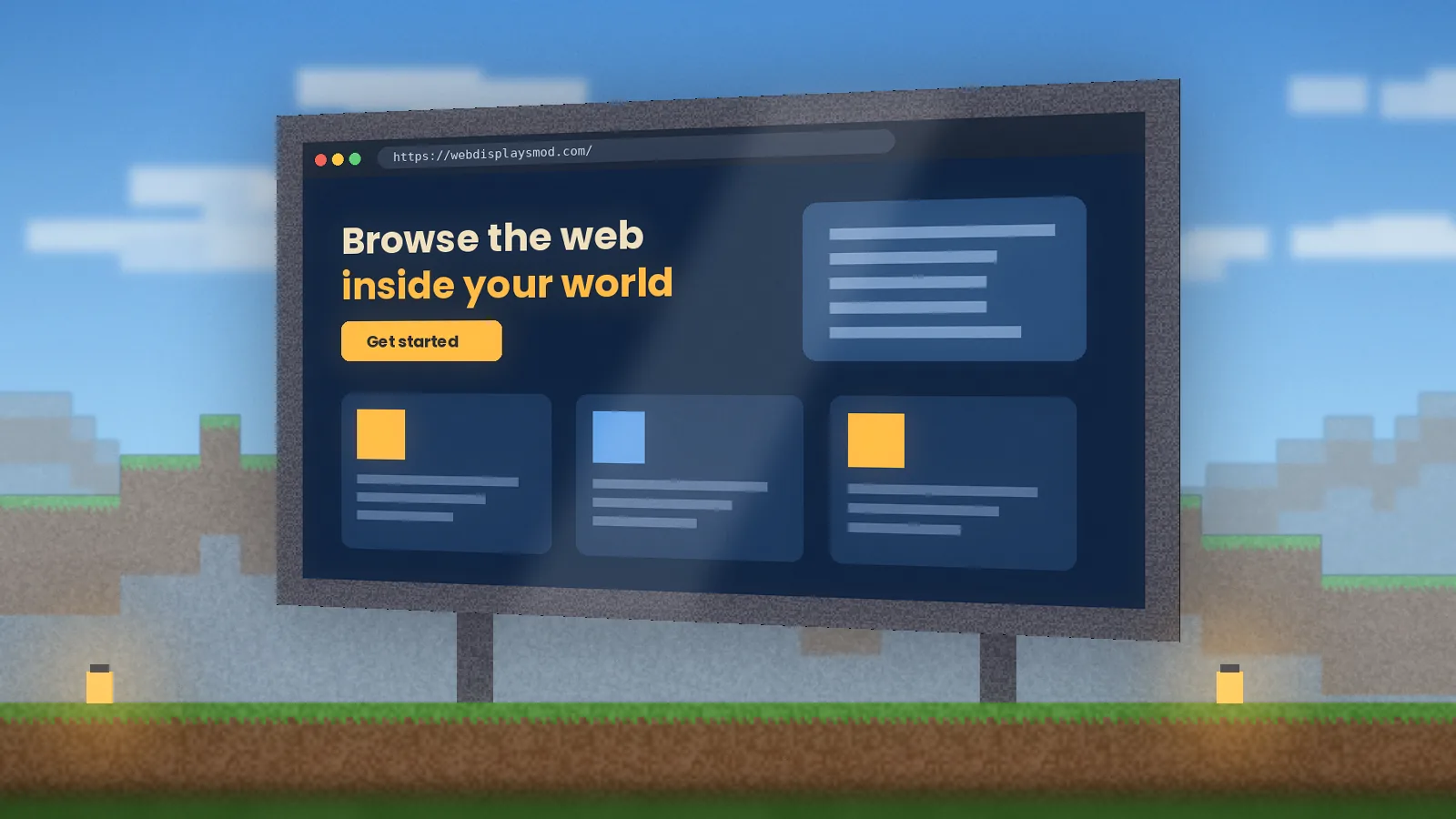
Web Displays Mod (often written WebDisplays) is a Minecraft Java Edition mod that places functional web browser screens in your world. Each screen is a multi-block display drawn by an embedded Chromium engine, so websites, videos and web apps load and respond just as they would in a desktop browser.
A short history
The mod was created by the developer montoyo for Forge, with the 1.12.2 build becoming the version most players remember. It relies on MCEF, the Minecraft Chromium Embedded Framework. When original development slowed, community maintainers ported WebDisplays to newer Forge releases on top of a maintained MCEF fork.
Its purpose
Bring information from the outside world into a build without alt-tabbing: guides, maps, music, live stats or a shared video.
Who should use it
Server owners, builders, streamers, teachers running lessons in Minecraft, and anyone who wants a TV that actually plays something.
Why it was created
Earlier "computer" mods simulated screens with their own tiny languages. WebDisplays skipped the simulation and embedded a real browser instead.
"After testing it across 1.12.2 and the modern Forge ports, our view is simple: nothing else puts a real, interactive browser into Minecraft this cleanly. Treat the MCEF setup with care, match your versions, and it is one of the most memorable mods you can add to a server."
Web Displays Mod review team, hands-on testing on Windows 11, macOS and Ubuntu
Key features of Web Displays Mod
Nine reasons builders keep WebDisplays in their modpacks. See the full breakdown on the features page.
Real Chromium browser screens
Load any modern site, from documentation to web apps. Pages render with a genuine browser engine, so layouts, scripts and video behave the way you expect.
Screens at any practical size
Place screen blocks in a flat rectangle and they merge into one display. A small wall panel for recipes or a stadium-scale billboard for events both work.
Type with an in-game keyboard
Link a keyboard block to a screen and type straight into search boxes and forms without leaving the game.
Laser pointer and remote
Click on distant screens with the laser, or change the page from across the room with the remote controller.
Minepad handheld tablet
Carry a personal browser in your inventory for wikis and maps while you explore, then put it away.
Screen configurator and permissions
Owners choose resolution, rotation and who may click or type, which keeps public screens on servers under control.
Redstone upgrades
Upgrade screens to react to redstone, so a lever, button or daylight sensor can switch pages automatically.
Built for multiplayer
Screens sync their URL to everyone on a server, so a whole group can watch the same page on the same wall.
Config for server owners
Server config options let admins set limits, such as screen size caps and blocked domains, before opening screens to the public.
System requirements
WebDisplays runs a full browser next to Minecraft, so it needs more headroom than a typical content mod.
Minimum
OS
Windows 10 64-bit, macOS 12 or a current 64-bit Linux
CPU
Quad-core, 2.5 GHz or faster
RAM
8 GB system memory, 4 GB allocated to Minecraft
GPU
Integrated graphics with OpenGL 4.x support
Storage
1 GB free for the mod, Chromium runtime and cache
Java
Java 8 for 1.12.2, Java 17 for 1.18 to 1.20.4, Java 21 for 1.20.5+
Internet
Needed once for the Chromium download and whenever a page loads
Recommended
OS
Windows 11, macOS 14+ or Ubuntu 22.04+
CPU
6 cores or more
RAM
16 GB system memory, 6 to 8 GB allocated
GPU
Dedicated card with 4 GB VRAM
Storage
2 GB free on an SSD
Java
The Java runtime bundled with the official launcher
Internet
25 Mbps or faster for smooth HD video on screens
Web Displays Mod download
Safe, direct routes to the official files, plus the checks that take ten seconds and save a lot of trouble. Full version matrix on the download page.
Web Displays Mod download
We do not re-host the jar. Buttons open the official project listings, where you pick the file that matches your Minecraft version and loader.
Latest version
Newest build on the official listing
Last checked
File size
A few MB (plus Chromium runtime on first launch)
Developer
montoyo, community maintainers
License
Free; terms shown on the project page
Operating systems
Windows, macOS, Linux
Game editions
Java Edition only
Mod loader
Forge (check listing for others)
Verify the SHA256 hash
Each official release page lists a hash for its file. Run this in the folder where you saved the jar and compare the two values:
Security verification: links go only to official project pages, never to repackaged installers.
Virus scan status: scan the jar with your antivirus or VirusTotal before first launch. Official files should come back clean.
Grab the build that matches your version; mismatches cause most crashes.
How to install Web Displays Mod
Pick your system. Each path takes about five minutes. For Fabric notes, version-specific tips and screenshots, open the full installation guide.
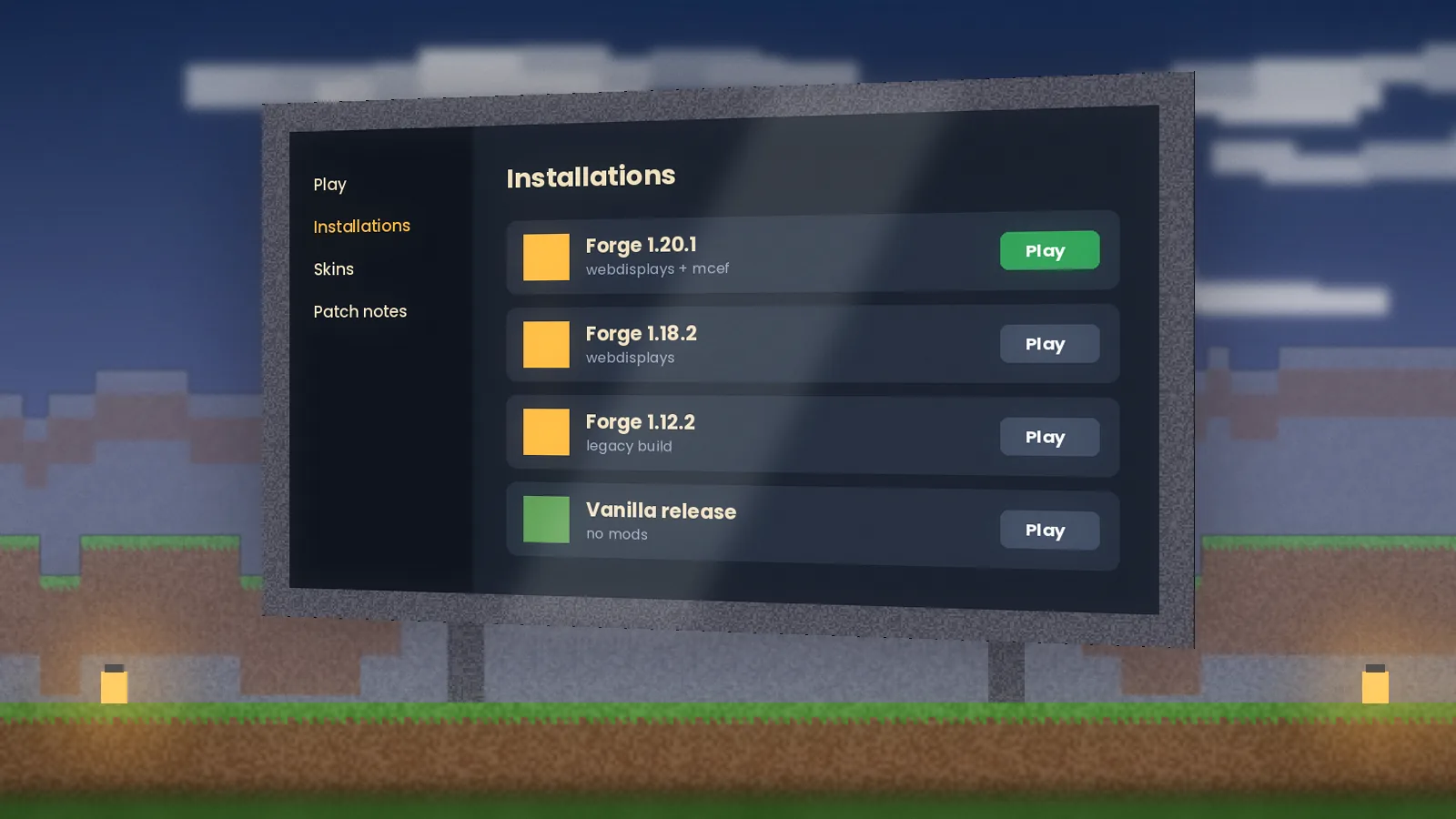
Install ForgeDownload the Forge installer for your exact Minecraft version from files.minecraftforge.net, run it and choose Install client.
Launch onceStart the new Forge profile in the Minecraft Launcher and quit at the title screen. This creates the mods folder.
Open the mods folderPress Win + R, type %appdata%\.minecraft\mods and press Enter.
Add both jarsDrop in the WebDisplays jar and the matching MCEF jar. Newer ports need MCEF as a separate download.
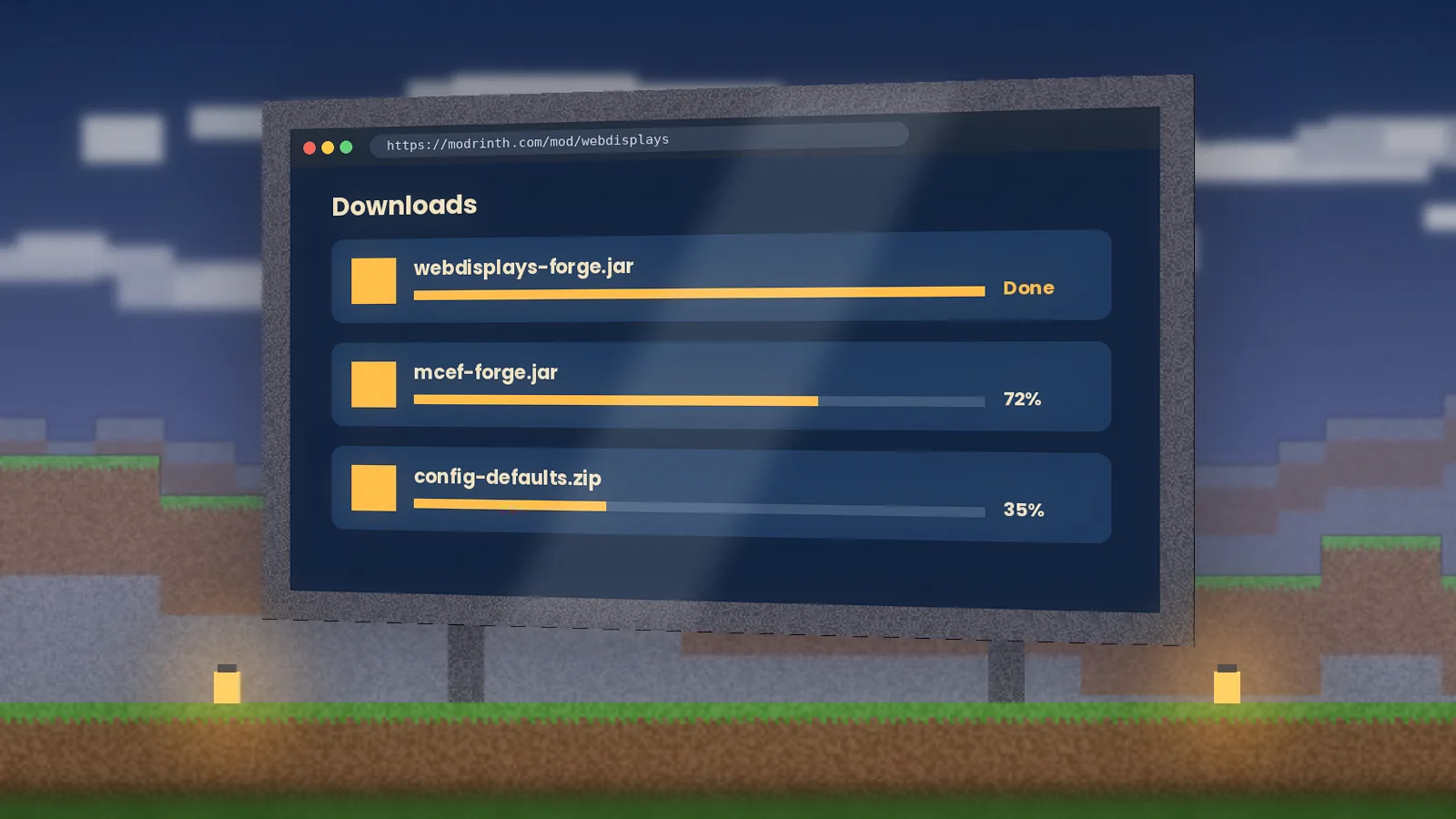
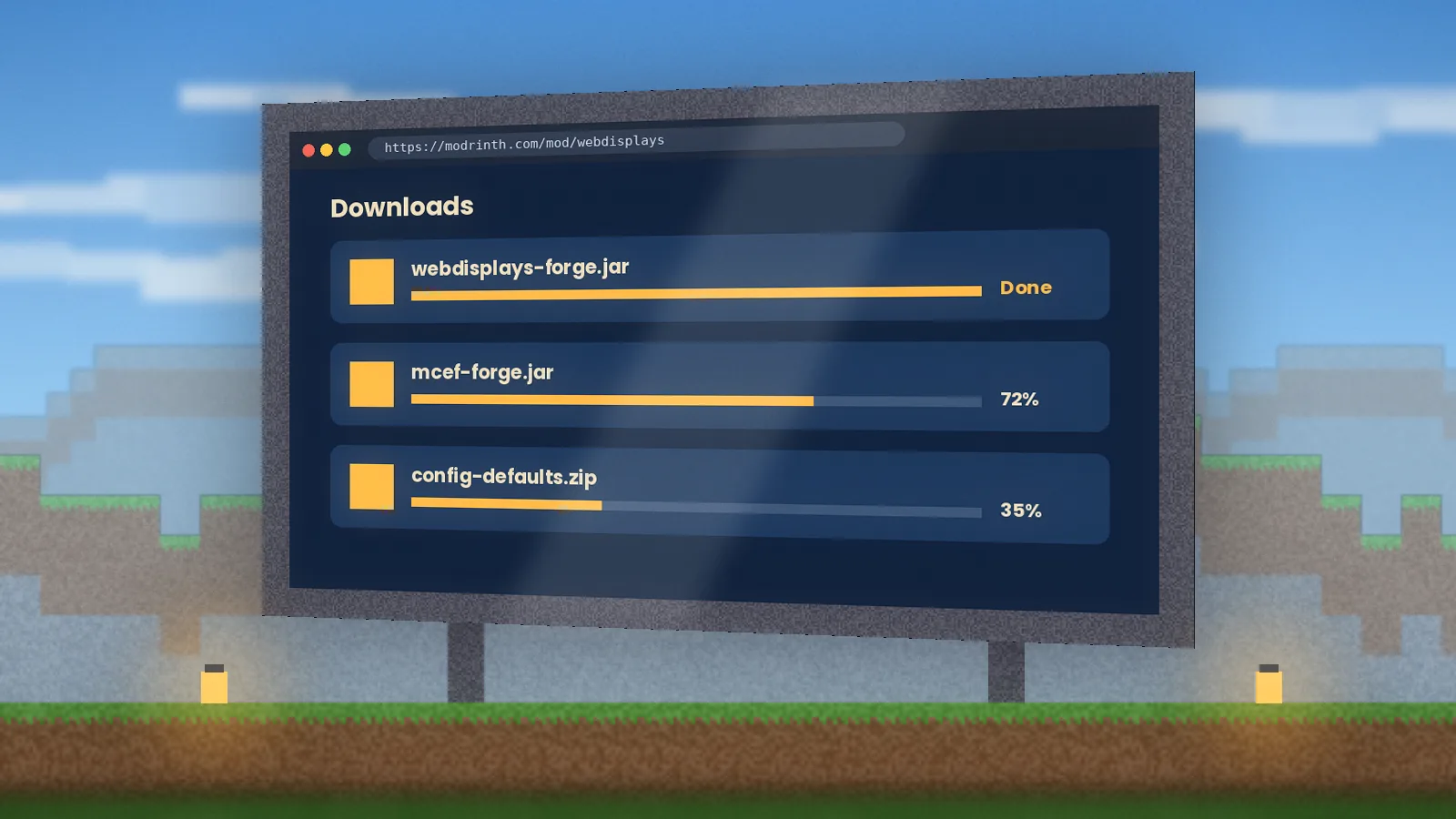
Launch and waitOn first launch MCEF downloads its Chromium runtime. Let the progress finish before placing a screen.
Install ForgeRun the Forge installer (you may need to right-click and choose Open the first time) and select Install client.
Launch onceStart the Forge profile, reach the title screen, then quit.
Open the mods folderIn Finder press Cmd + Shift + G and go to ~/Library/Application Support/minecraft/mods.
Add both jarsCopy in WebDisplays and MCEF. On Apple silicon, use an MCEF build that lists macOS arm64 support.
Allow network accessIf macOS asks whether Java may accept connections, allow it so the embedded browser can load pages.
Install ForgeRun java -jar forge-installer.jar and choose Install client, or use a launcher such as Prism Launcher.
Find the mods folderThe default path is ~/.minecraft/mods; Prism and MultiMC keep one per instance.
Add both jarsCopy WebDisplays and MCEF into the folder.
Check librariesChromium needs common system libraries such as libnss3. If screens stay black, search latest.log for a missing library.
Launch and waitLet the first-run Chromium download complete, then place your first screen.
Know the limitMinecraft on Android is Bedrock Edition (MCPE), which cannot load Java mods like WebDisplays.
Skip fake APKsAny 'WebDisplays APK' or MCPE add-on claiming to be this mod is unofficial and may be unsafe.
Use a PC for the real thingInstall on Windows, macOS or Linux and join a friend's server to see screens in action.
Try Bedrock-friendly optionsLook for add-ons that show static images or map art. Read our Bedrock guide.
Know the limitiPhone and iPad run Bedrock Edition only, so Java mods cannot be installed.
Avoid profile or IPA 'mods'Anything asking you to install a configuration profile or sideload an IPA for WebDisplays is not legitimate.
Play on desktopRun the mod on a computer and use your iOS device for the Minecraft wiki or voice chat instead.
Stay updatedIf an official Bedrock option ever appears we will cover it on the blog.
How to use Web Displays Mod
From your first screen to a synced server cinema. The complete user guide goes deeper.
Beginner guide
Open the WebDisplays creative tab, or craft the items in survival.
Place screen blocks in a flat rectangle on a wall. They join into one display.
Interact with the screen to open its menu and enter a URL.
Right-click on the page to click links. Link a keyboard with the Linker item to type.
Advanced guide
Use the screen configurator to set resolution, rotation and who may interact.
Install upgrades to let redstone signals change pages or trigger clicks.
Link a remote controller to swap pages from anywhere in the room.
Admins: review the server config before enabling public screens.
Best practices
Keep screen resolution modest (720p is plenty for most walls), limit the number of screens playing video at once, and lock public screens to their owner on multiplayer servers.
Tips and tricks
Use a dark-mode website on night builds so the screen doesn't glare. Point a cinema screen at a playlist URL so it keeps playing, and bookmark server rules as a lobby screen.
Handy controls
Defaults can differ between builds; check Options, then Controls, for your version.
Click a screenRight mouse
Leave typing modeEsc
Paste a URLCtrl + V
Next field in a menuTab
Hide HUD for clean cinema shotsF1
Take a screenshotF2
Toggle fullscreenF11
Reload resourcesF3 + T
How it works
What happens between placing a block and watching a video on it.
Screen blocks form a surface
Adjacent screen blocks merge into one display with a width, height and facing.
MCEF runs a hidden browser
A Chromium instance renders the page off-screen, sized to the screen's resolution.
Frames become a texture
Each rendered frame is uploaded to the GPU and drawn on the blocks in your world.
Your input is forwarded
Clicks from you, the laser or the keyboard become real browser mouse and key events.
The server keeps players in sync
The screen's URL and settings are shared, so every player sees the same page.
Compatibility
Operating systems, editions, loaders, web content and devices at a glance.
Web Displays Mod compatibility
Category
Item
Status
Notes
Operating systems
Windows 10/11
Supported
Best tested platform
macOS (Intel and Apple silicon)
Supported
Needs an MCEF build with macOS support
Linux (x64)
Supported
May need extra system libraries
Minecraft edition
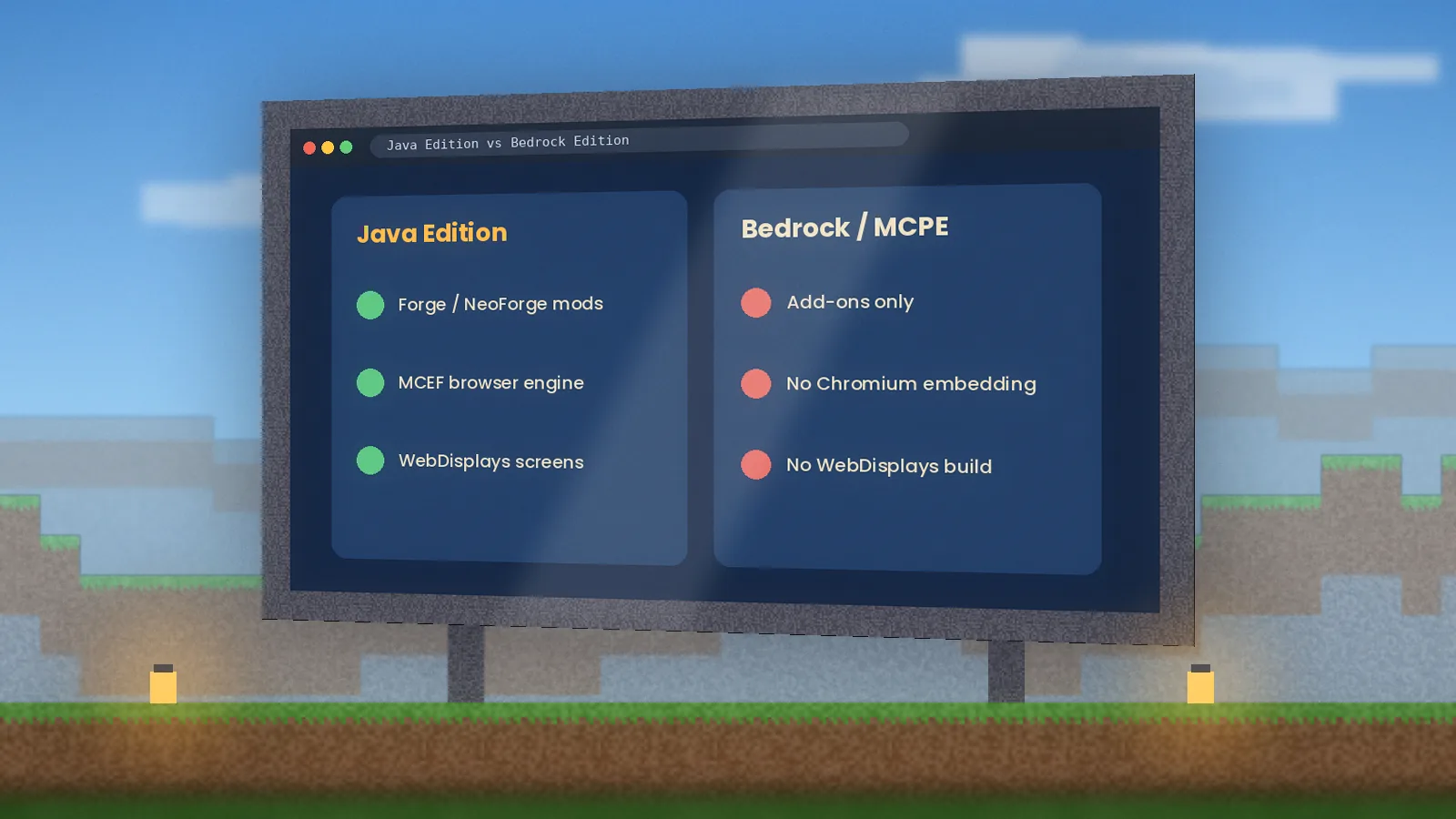
Java Edition
Supported
The only edition that loads the mod
Bedrock / MCPE
Not supported
Different engine; Java mods cannot run
Mod loaders (framework)
Forge
Supported
Main target for 1.12.2 and modern ports
NeoForge / Fabric
Check listing
Only if the listing shows a build for your version
Web content (browsers)
HTML5 sites, YouTube, web apps
Supported
Rendered by Chromium
DRM streaming (Netflix and similar)
Not supported
Embedded Chromium lacks the DRM module
Devices
Desktop and laptop
Supported
Mouse and keyboard recommended
Phones, tablets, consoles
Not supported
Bedrock-only platforms
Integrations
Dedicated servers and modpacks
Supported
Install on server and every client
Shader packs and OptiFine
Check listing
Usually fine; test with your pack
Pros and cons
An honest look before you add it to a modpack.
What we like
A real browser, not a simulation
Free with open-source roots
Great for servers, lessons and events
Keyboard, laser, remote and tablet included
Owner permissions for public screens
vs
What to watch for
Java Edition only; no Bedrock or MCPE
MCEF setup and version matching trip up beginners
Several video screens can drop FPS
Streaming sites with DRM won't play
Loader coverage varies by Minecraft version
Who uses it, and how
Six groups get the most from in-game web screens.
Students
Pin a lesson, diagram or timer to a classroom wall in Minecraft Education-style builds on Java servers.
Gamers
Build a lounge that plays trailers, a lobby that shows server rules, or an arcade with browser games.
Developers
Show CI dashboards, docs or a live API response inside a test world while you build.
Business users
Run branded events and virtual showrooms with product pages on in-world billboards.
Researchers
Display live data, papers or simulations inside a shared virtual lab for group sessions.
Content creators
Put chat, alerts or a watch party on a giant screen for more memorable streams and videos.
Screenshots
Eight scenes from our test worlds. Select any image to enlarge it.
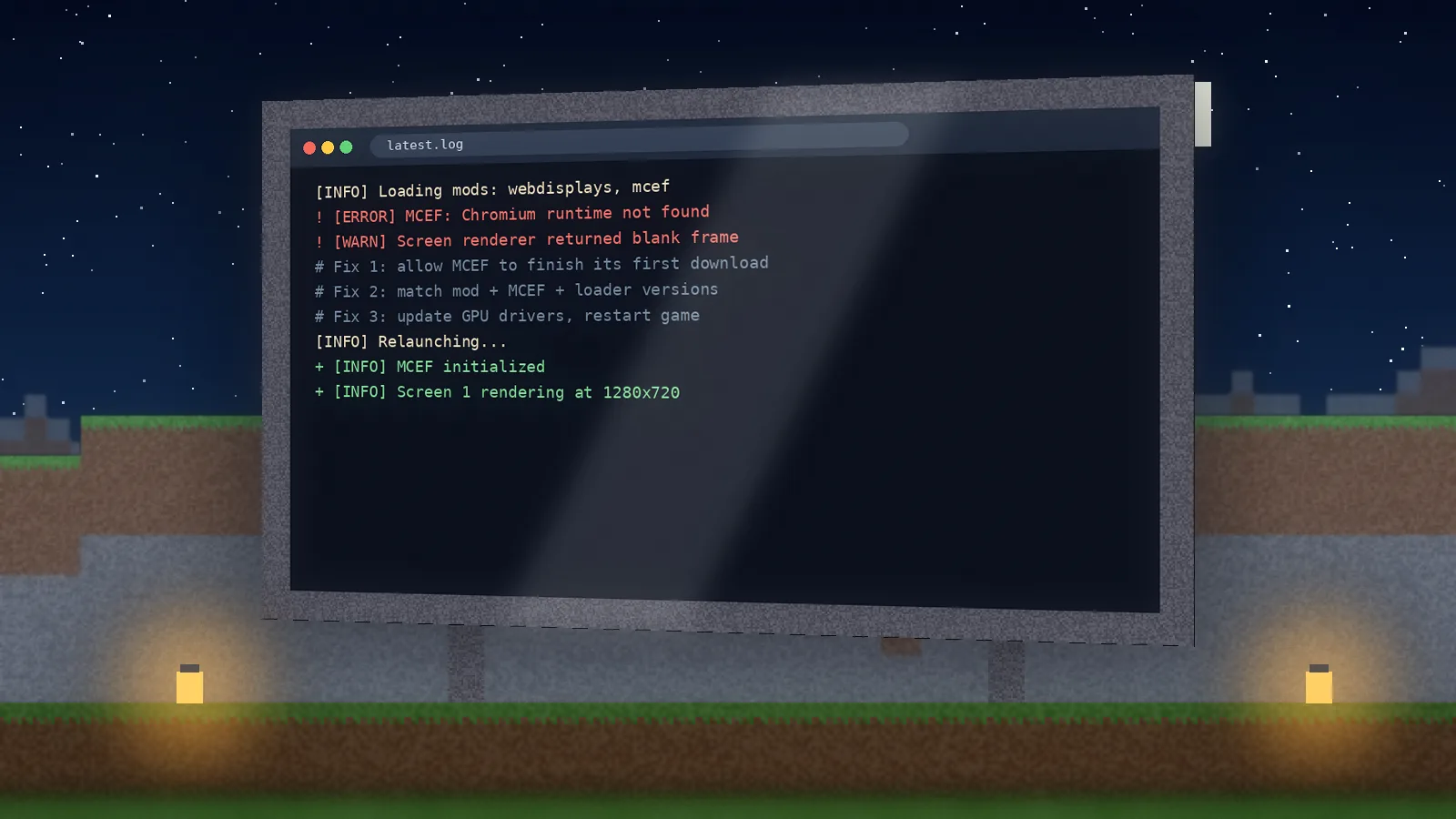
In-world browserA website running on a daylight wall screenNight cinemaA widescreen video wall lit by lanternsServer dashboardLive stats for players and TPSScreen configuratorResolution, brightness and permissionsLive mapA route plotted on a web mapLauncher profilesSeparate Forge installs per versionMods folderWhere the WebDisplays jar goesLog consoleReading latest.log to fix a black screen
MCEF hasn't finished downloading Chromium, or its version doesn't match. Wait for the first-run download, then confirm the MCEF build the WebDisplays listing asks for.
Game crashes on startup
Almost always a version mismatch. Match Minecraft, Forge, WebDisplays and MCEF exactly, and check the crash report's top lines.
Video plays with no sound
Check the screen's volume settings and Minecraft's master volume. Some sites need a click on the page before audio starts.
Keyboard doesn't type
Link the keyboard to the screen with the Linker item and make sure you own the screen or have permission.
Netflix or similar won't load
These use DRM that embedded Chromium doesn't include. Use sources without DRM, such as YouTube.
Heavy FPS drops
Lower screen resolution, pause off-screen videos and cap how many screens play at once.
Known issues
Some sites detect the embedded browser as outdated and show a warning.
Screens can briefly flicker after changing dimensions or resolution.
Mixing shader packs with many active screens may cost more FPS than expected.
Performance tips
Allocate 6 to 8 GB RAM to the modpack, not more.
Set most screens to 720p and keep 1080p for your main cinema wall.
Use static or dark pages for idle screens.
Close the Chromium dev pages you don't need.
Security and privacy
Is Web Displays Mod safe? Yes, when it comes from official pages and is configured sensibly.
Is it safe?
The official jar from Modrinth, CurseForge or the original GitHub is safe to use. The risk comes from reuploads, "APK" versions and installers that bundle extras. Screens are real browsers, so treat links the way you would on your desktop.
Data collection practices
The mod itself doesn't add analytics. Websites you open on a screen can set cookies and log visits, exactly like a normal browser. Chromium's cache is stored locally in your Minecraft folder.
Permissions required
Network access for Chromium and page loads, plus read/write access to its cache folder. No admin rights needed.
Privacy summary
This site uses essential cookies and privacy-friendly analytics. Details in our privacy policy.
Security features
Owner-only interaction, per-screen permissions and server-side config for limits and blocked domains.
Alternatives and comparison
Other ways to put screens in Minecraft, rated by our team. See the full comparison.
Web Displays Mod alternatives compared
Software
Price
License
OS support
Features
Rating
Pros
Cons
Web Displays Mod
Free
Free, source available
Win, macOS, Linux
Real Chromium browser, keyboard, laser, tablet
★ 4.7
True web pages
Java only; MCEF setup
CC: Tweaked
Free
Open source
Win, macOS, Linux
Programmable computers and monitors (Lua)
★ 4.6
Huge automation scene
Not a web browser
OpenComputers
Free
Open source
Win, macOS, Linux
Modular computers, screens, networking
★ 4.4
Deep hardware system
Older versions only
MrCrayfish's Device Mod
Free
Free
Win, macOS, Linux
Laptops with built-in apps
★ 4.2
Fun and simple
Legacy versions, no real web
WATERFrames
Free
Free
Win, macOS, Linux
Images and video from URLs on frames
★ 4.3
Lightweight media
No interactive browsing
What players say
4.7
★★★★★
Average from 1,284 reviews on this site
MK
Marco K.
Server owner Verified user
★★★★★
We run a 60-player survival server and the spawn cinema is now the most visited build. Locking screens to their owner stopped griefing on day one. The only real work was matching MCEF to our Forge version, which this site's table made quick.
SL
Sara L.
Secondary school teacher Verified user
★★★★★
I use a Java server for a history club. Having a timeline site on the wall of our replica castle keeps the lesson in the world instead of on another tab. Students grasped the keyboard block in minutes.
DT
Devon T.
Backend developer Verified user
★★★★☆
Put our Grafana board on a wall in a test world as a joke; now the team actually uses it. Chromium rendering is solid. I knocked one star off because several 1080p screens hurt frame times on my laptop.
AN
Aisha N.
Twitch streamer Verified user
★★★★★
Watch parties on a giant screen look incredible on stream. Hiding the HUD with F1 gives clean shots. Setup took one evening with the install guide open next to me.
JR
Jonas R.
Modpack curator Verified user
★★★★☆
It's the only mod that gives players a real browser. Version coverage is the trade-off: I check the listing before every pack update. Clear docs on this site saved me from a dodgy reupload.
PC
Priya C.
University researcher Verified user
★★★★★
We host reading groups in a shared build and display papers and charts on screens around the room. It feels closer to a real lab meeting than a video call.
Frequently asked questions
Sixteen answers to the questions we get most. There are more on the FAQ page.
Download and installation
Where can I get the Web Displays Mod download safely?
Use the official listings on Modrinth or CurseForge, or the original GitHub for the 1.12.2 source. Our download page links only to those. Avoid sites that wrap the jar in an .exe installer or ask you to disable antivirus, because the real mod is a plain .jar file that you drop into your mods folder.
Is Web Displays Mod free?
Yes. The mod is free to download and use in single-player and on servers. Check the license shown on the project page before redistributing it inside a modpack, since terms can differ between the original project and newer community ports.
Do I need MCEF to run WebDisplays?
Yes. WebDisplays draws pages with MCEF, the Minecraft Chromium Embedded Framework. Newer ports list MCEF as a required dependency that you download separately, and on first launch MCEF fetches its Chromium runtime. Always use the MCEF version the WebDisplays listing names.
Is there a WebDisplays mod for Fabric?
Coverage varies by version. The mod primarily targets Forge. If the official listing shows a Fabric or NeoForge file for your Minecraft version, use it; if not, there isn't an official build, and repackaged Fabric jars from unknown sites should be avoided.
Which version should I use for 1.12.2?
Use the legacy WebDisplays release for Forge 1.12.2 together with its matching MCEF build and Java 8. That combination is the classic, most documented setup. Our 1.12.2 article covers the exact steps, common crashes and how to keep an old modpack stable.
Does WebDisplays work on Minecraft 1.21.1 or 1.16.5?
Check the files tab on the official listing for those versions. Availability changes as maintainers release ports. If no file exists for your version, there's no safe way to force it; wait for an official build or use a version that is supported.
How do I install it on a server?
Put the same WebDisplays and MCEF jars in the server's mods folder and in every player's client. Restart the server, then review the generated config to set screen limits and permissions before players start building public screens.
Can I use Web Displays Mod on Bedrock or MCPE?
No. Bedrock Edition, including Minecraft Pocket Edition on phones, uses a different engine that cannot load Java mods. Files claiming to be a WebDisplays APK or MCPE add-on are unofficial. To use the mod, play Java Edition on Windows, macOS or Linux.
Safety, updates and troubleshooting
Is Web Displays Mod safe to use?
The official jar is safe. Risks come from third-party reuploads and bundled installers. Since screens are real browsers, websites you visit behave like they do on a desktop, so keep to trusted sites and let server admins block domains on public screens.
Why are my screens black?
A black screen usually means MCEF hasn't finished its first Chromium download or its version doesn't match WebDisplays. Wait for the download to finish, confirm the MCEF version, then check latest.log for errors. On Linux, missing system libraries can also cause it.
Why won't Netflix or Disney+ play?
Those services use DRM that requires a licensed decryption module. The embedded Chromium used by MCEF doesn't ship with it, so protected streams fail. Sites without DRM, like YouTube and most web apps, work normally on screens.
How do I update WebDisplays?
Download the newer jar from the same official listing, delete the old WebDisplays jar from your mods folder, and replace MCEF too if the listing asks for a newer version. Back up your world first, since block data can change between major releases.
Does it slow down Minecraft?
Each active screen runs browser rendering, so many high-resolution video screens will reduce FPS. Most players won't notice two or three 720p screens on a mid-range PC. Lower resolution and pause off-screen videos to keep things smooth.
Can other players control my screen?
Only if you let them. The screen configurator lets owners decide who can click, type or change the URL. On servers, set public screens to owner-only interaction and use the server config for extra limits.
What are the best alternatives?
CC: Tweaked and OpenComputers offer programmable computers and monitors, WATERFrames shows images and videos from links, and MrCrayfish's Device Mod adds in-game laptops. None of them embeds a full interactive browser the way WebDisplays does.
Is this the official WebDisplays website?
No. webdisplaysmod.com is an independent guide made by players. We don't host the mod files and aren't affiliated with the mod authors or Mojang. We link to official sources and publish tested install and troubleshooting guides.
Latest guides from the blog
Version guides, fixes and build ideas, tested before we publish. See all articles.