WebDisplays Mod for 1.21.1 and 1.16.5: Version Guide
Two of the most common searches about the mod are WebDisplays mod 1.21.1 and WebDisplays mod 1.16.5. The honest answer depends on what the maintainers have released at the time you read this, so this guide shows you how to check for yourself in under a minute.
How versions get support
Minecraft changes its rendering and networking code between releases. A mod that embeds a browser touches both, so every version needs real porting work, and MCEF has to be ported first. That's why support arrives version by version rather than all at once.
Checking 1.21.1 and 1.16.5
- Open the official listing on Modrinth.
- In the files tab, filter by game version: 1.21.1 or 1.16.5.
- If a file appears, note its loader and required MCEF version.
- If nothing appears, try CurseForge's files tab too.
Java and MCEF matrix
| Minecraft | Java | What to check |
|---|---|---|
| 1.12.2 | Java 8 | Legacy WebDisplays + legacy MCEF |
| 1.16.5 | Java 8 or 11 | Whether a port exists on the listing |
| 1.18.2 to 1.20.4 | Java 17 | Community port + matching MCEF |
| 1.20.5 to 1.21.x | Java 21 | Whether a port exists; loader type |
When there's no build
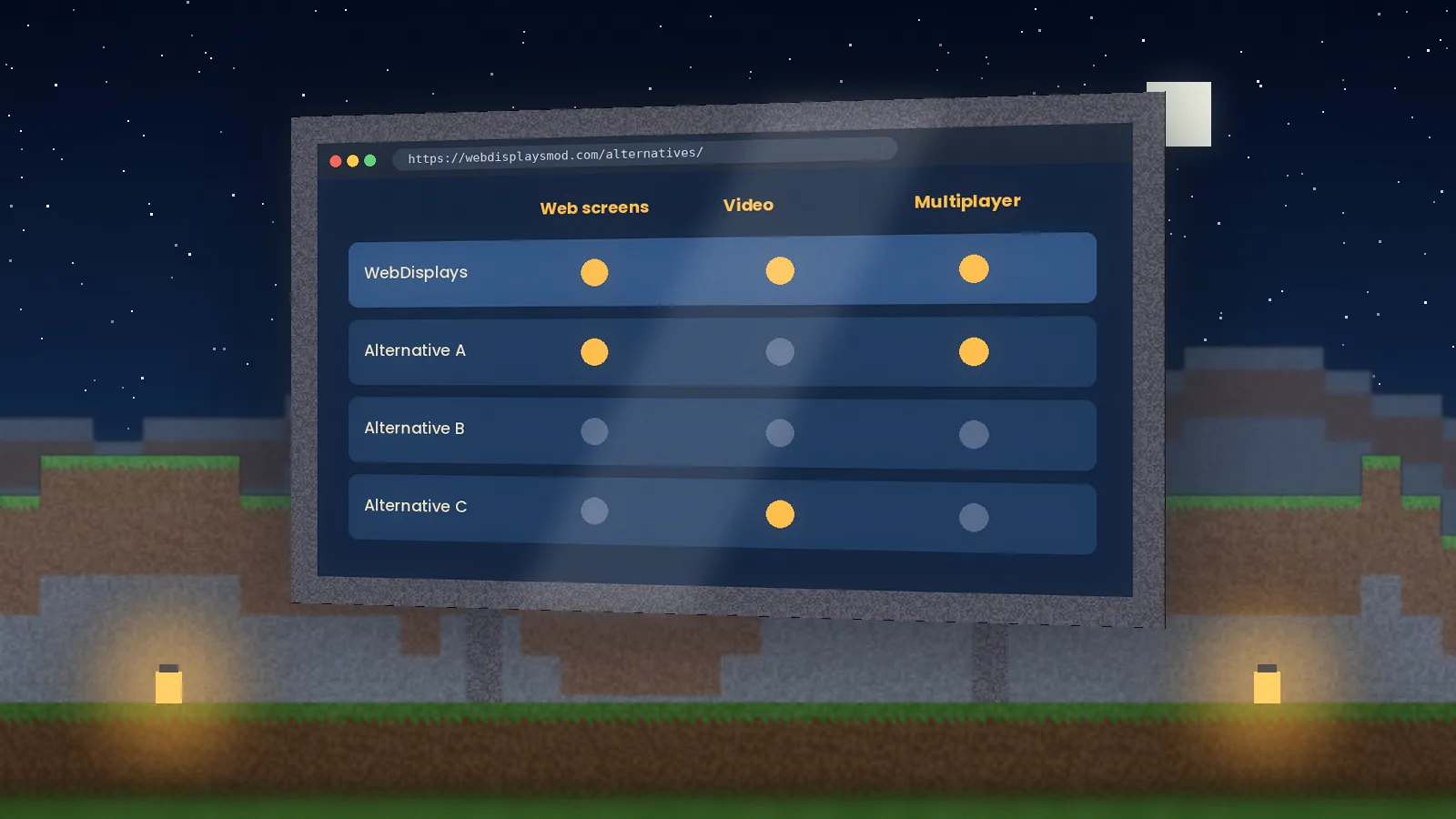
If your version isn't listed, don't take a jar built for another version and rename it. It will crash at best. Your options are to play on a supported version, wait for a port, or use an alternative mod that already supports your version. Watching the project on Modrinth sends you a notification when new files arrive.
Staying up to date
- Follow the project on Modrinth or CurseForge.
- Update WebDisplays and MCEF together.
- Back up worlds before every major update.
We also post version news on our blog and in the newsletter.
Quick answers
Is there a WebDisplays build for Minecraft 1.21.1?
Availability for newer versions changes over time, so check the version filter on the official Modrinth or CurseForge listing before installing. If no file is tagged for 1.21.1, do not force an older jar into a newer game, because it will usually crash. Staying on a supported version such as 1.16.5 is the reliable option until an official update appears.
Why does 1.16.5 remain a popular choice?
Minecraft 1.16.5 has a large library of stable mods and modpacks, and WebDisplays builds for it have been tested widely. Players who want in-game screens alongside other established mods often choose it for reliability. It also runs well on modest hardware, which matters when several web screens are loaded at the same time.