WebDisplays Mod 1.12.2: The Classic Setup, Explained
Search volume for WebDisplays mod 1.12.2 stays high years after release, and for good reason. It's the version montoyo originally shipped, and it lives on in countless tech modpacks from that era.
Why 1.12.2 still matters
1.12.2 was the last version before Minecraft's big internal rewrite, so it gathered a huge modding ecosystem. Packs built around automation and computers often include WebDisplays next to OpenComputers or ComputerCraft. If your favourite pack is on 1.12.2, this is the build you want.
The exact setup
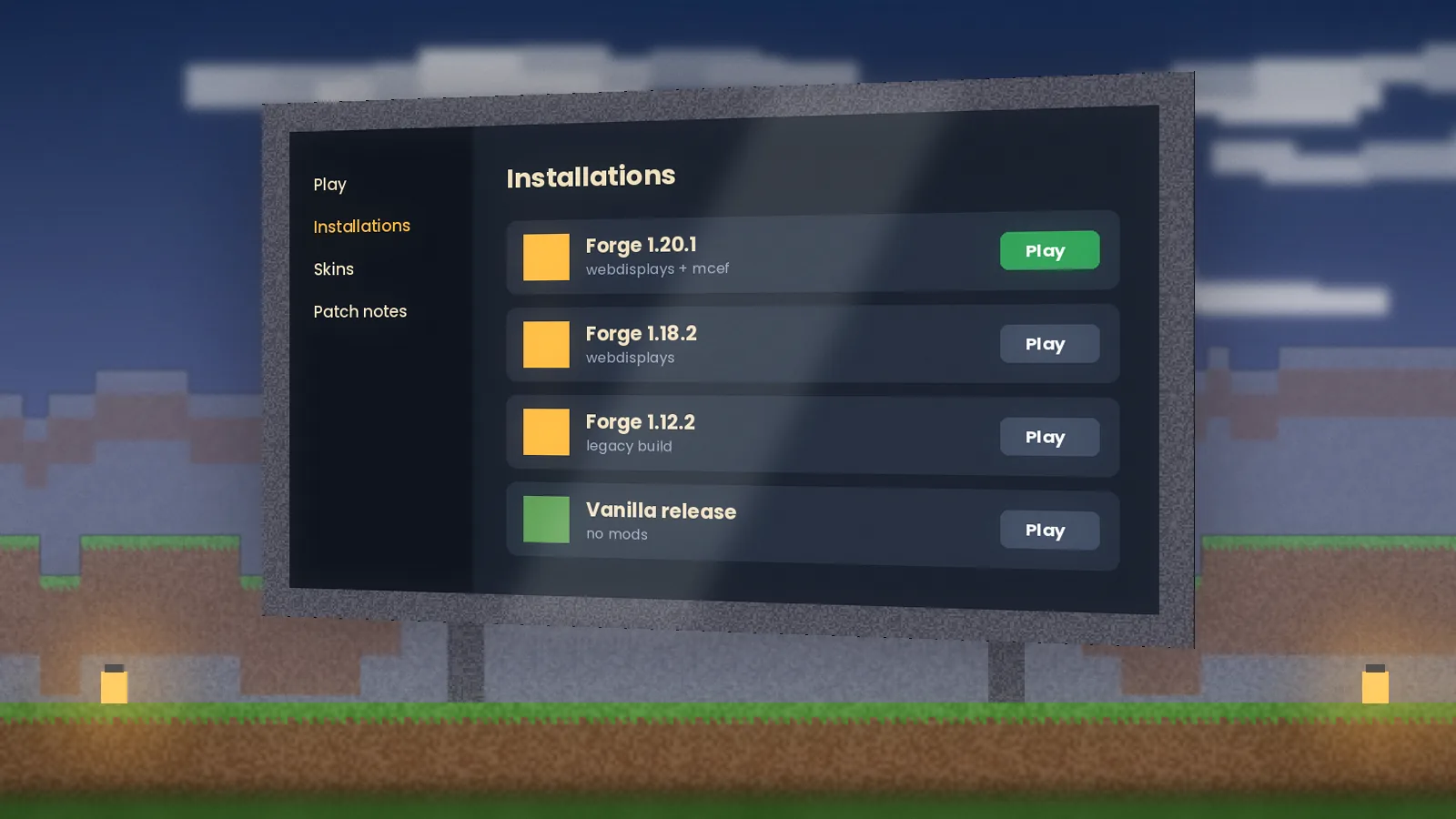
- Minecraft: 1.12.2
- Loader: Forge for 1.12.2 (the recommended build)
- Java: Java 8. Newer Java versions will crash Forge 1.12.2.
- Mods: WebDisplays for 1.12.2 and the MCEF build it lists.
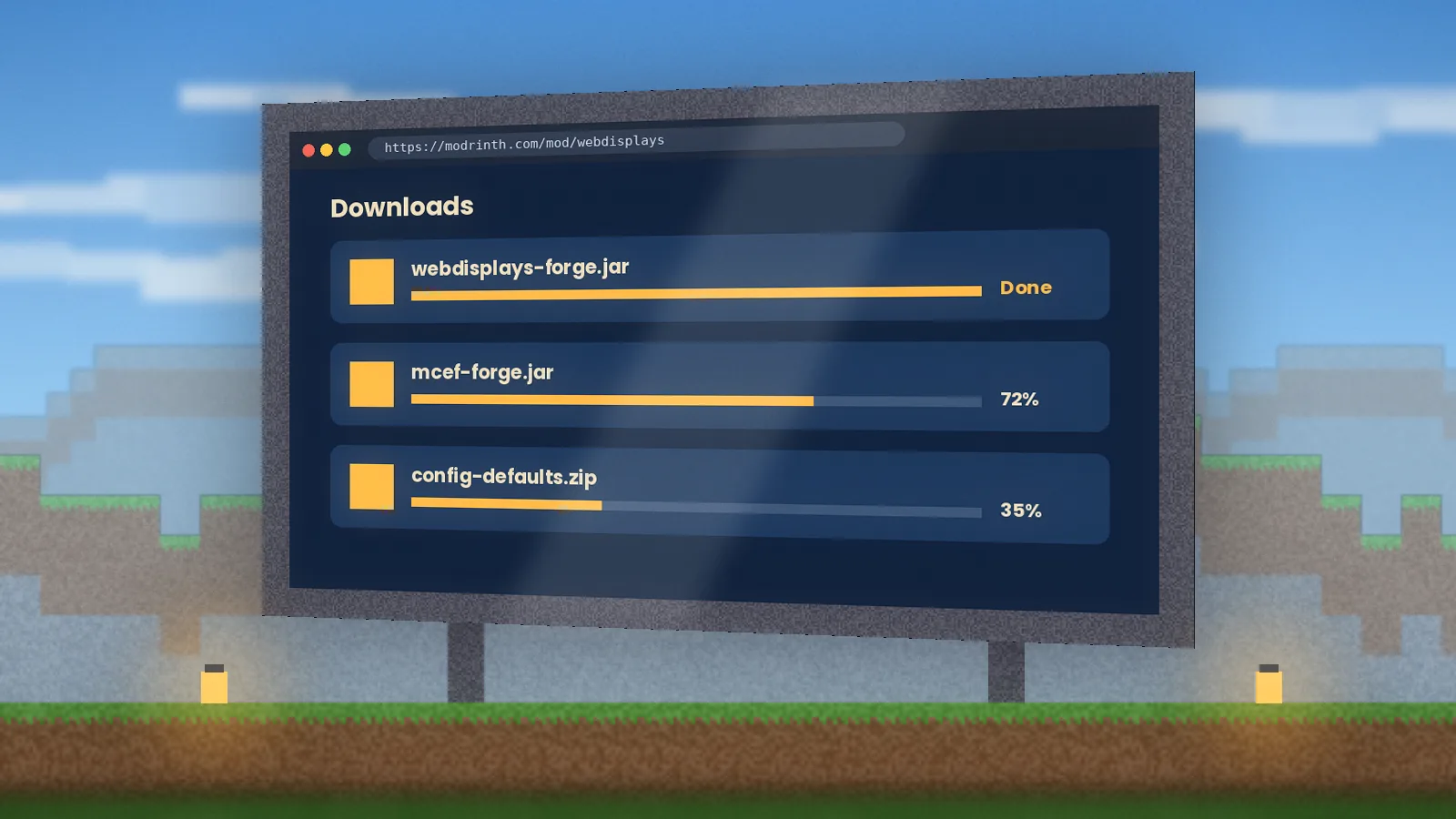
Install Forge, launch once, then place both jars in the mods folder. If your launcher uses a newer Java by default, point the profile to a Java 8 runtime in its settings.
Items you'll use
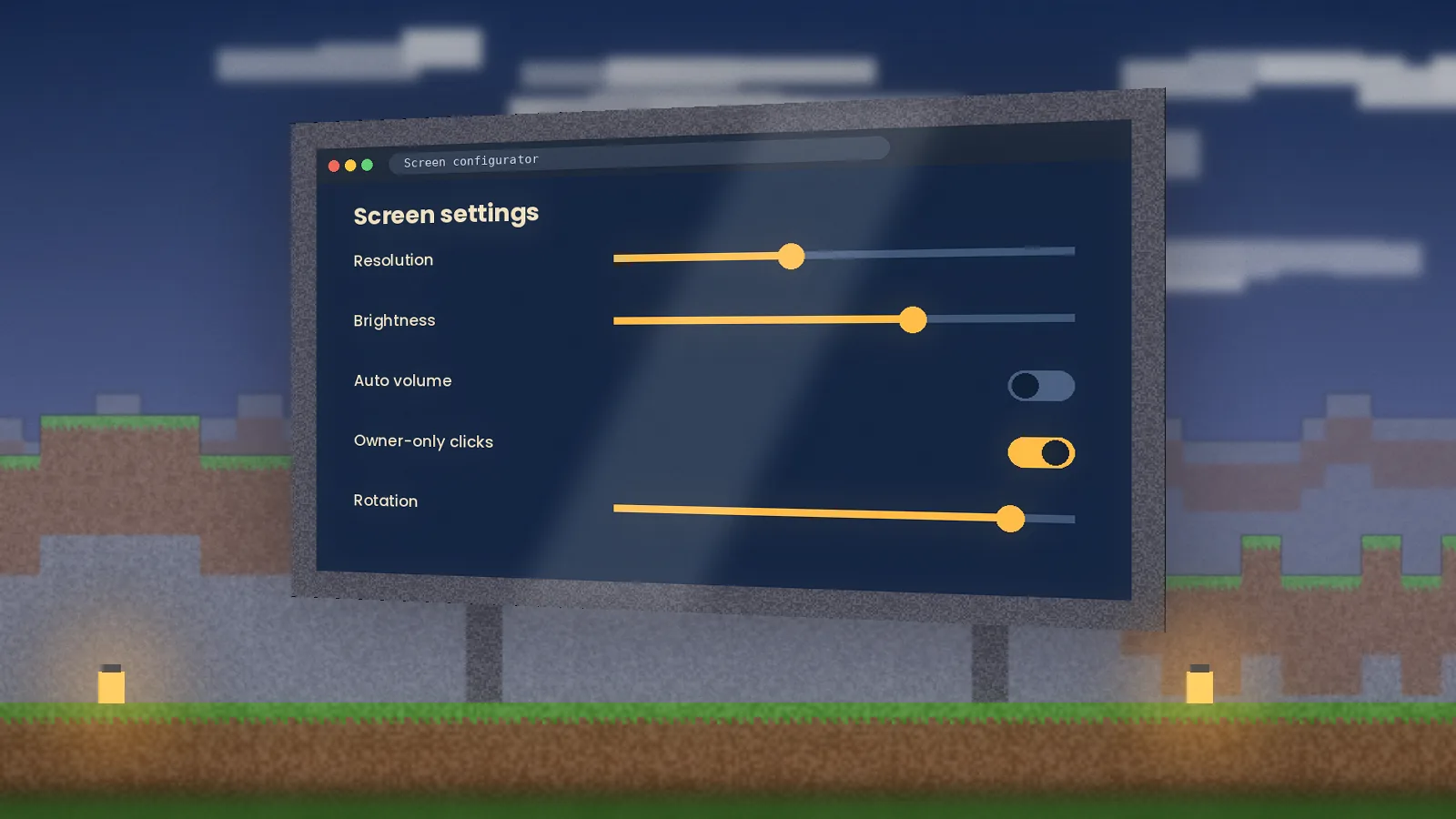
The 1.12.2 release introduced the tools most players know: screen blocks, the keyboard, the remote controller, the laser pointer, the Minepad tablet, the Linker for connecting peripherals, and upgrades for redstone control. The screen configurator sets resolution, rotation and permissions. Our user guide walks through each one.
Common 1.12.2 crashes
- "Unsupported class version" on launch: you're on a newer Java. Switch to Java 8.
- Crash when placing a screen: MCEF didn't initialize. Check the log and let the first-run download finish.
- Black screens on Linux: the old Chromium runtime may need extra libraries; the log will name them.
Keep resolution at 720p or below in older packs. 1.12.2 modpacks are often heavy already, and each screen adds rendering work.
Should you upgrade?
If you're starting fresh, a modern community port gives you newer Java, better performance and current MCEF. If you love a 1.12.2 pack, stay put: the classic build still works well. Compare what's available in our version compatibility guide.
Quick answers
Is WebDisplays for 1.12.2 still worth using?
Yes, if you play older modpacks. The 1.12.2 branch is mature and widely used in legacy packs, and it pairs with the matching Forge release. It will not receive many new features, though, and its embedded browser engine is older, so some modern websites may render imperfectly or load slowly on in-game screens.
Which Forge version works with WebDisplays 1.12.2?
Use a recent Forge build for Minecraft 1.12.2, ideally the recommended release listed on the Forge site. Check the WebDisplays file page for any minimum Forge version noted by the developer. Keeping Forge up to date within the 1.12.2 line avoids most loading errors and improves compatibility with other mods in the same pack.