8 Build Ideas Using Web Displays Mod Screens
Once your first screen works, the fun part begins. These eight ideas come from servers and creators who use Web Displays Mod every day, with the settings that make each build look good and run smoothly.
1. Spawn cinema
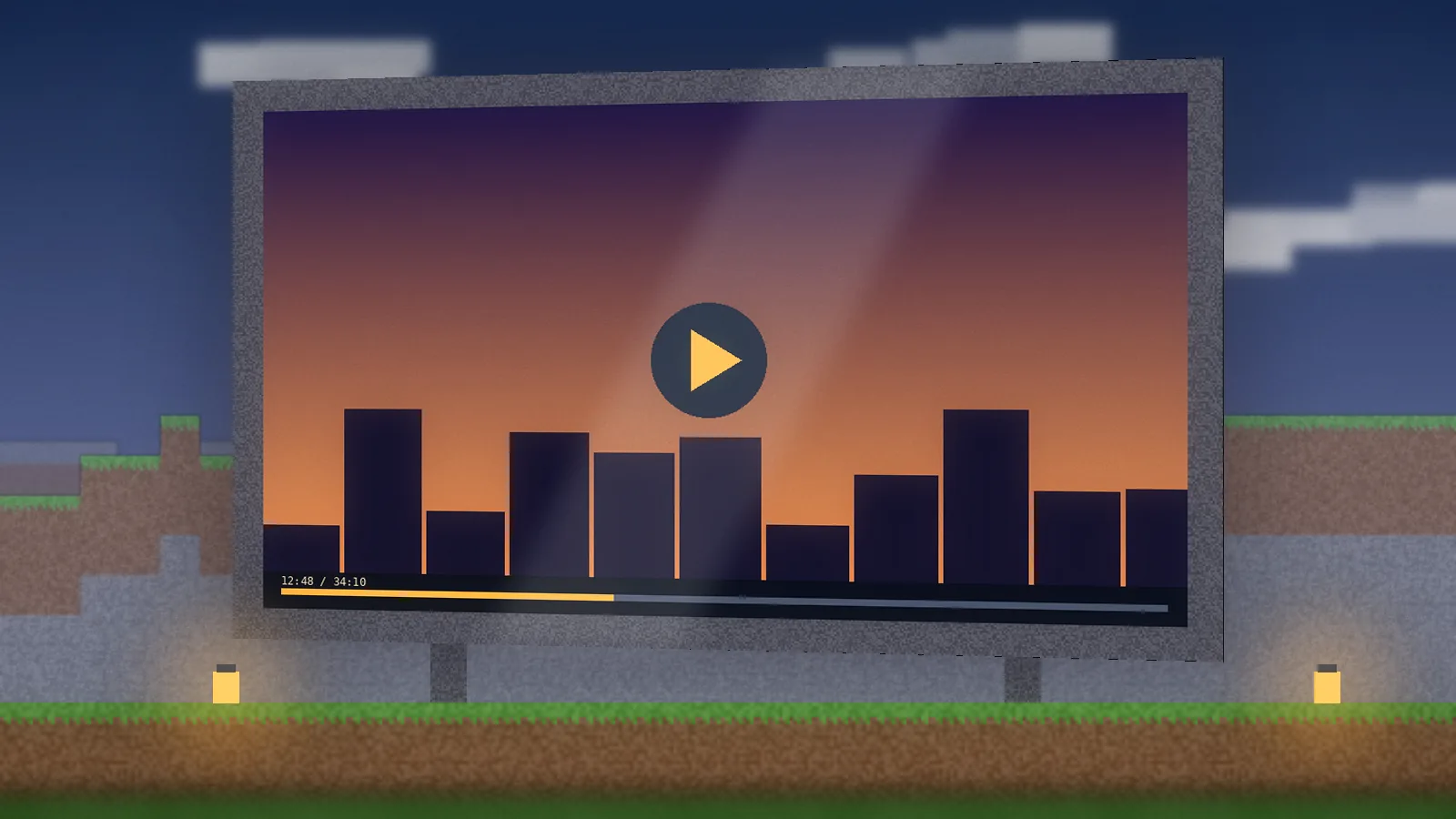
A widescreen wall in a dark room, seats in front, and a playlist URL on screen. Keep it around 16 blocks wide and set the resolution to 1080p only for this one screen. Lock interaction to staff so players can't swap the video mid-show.
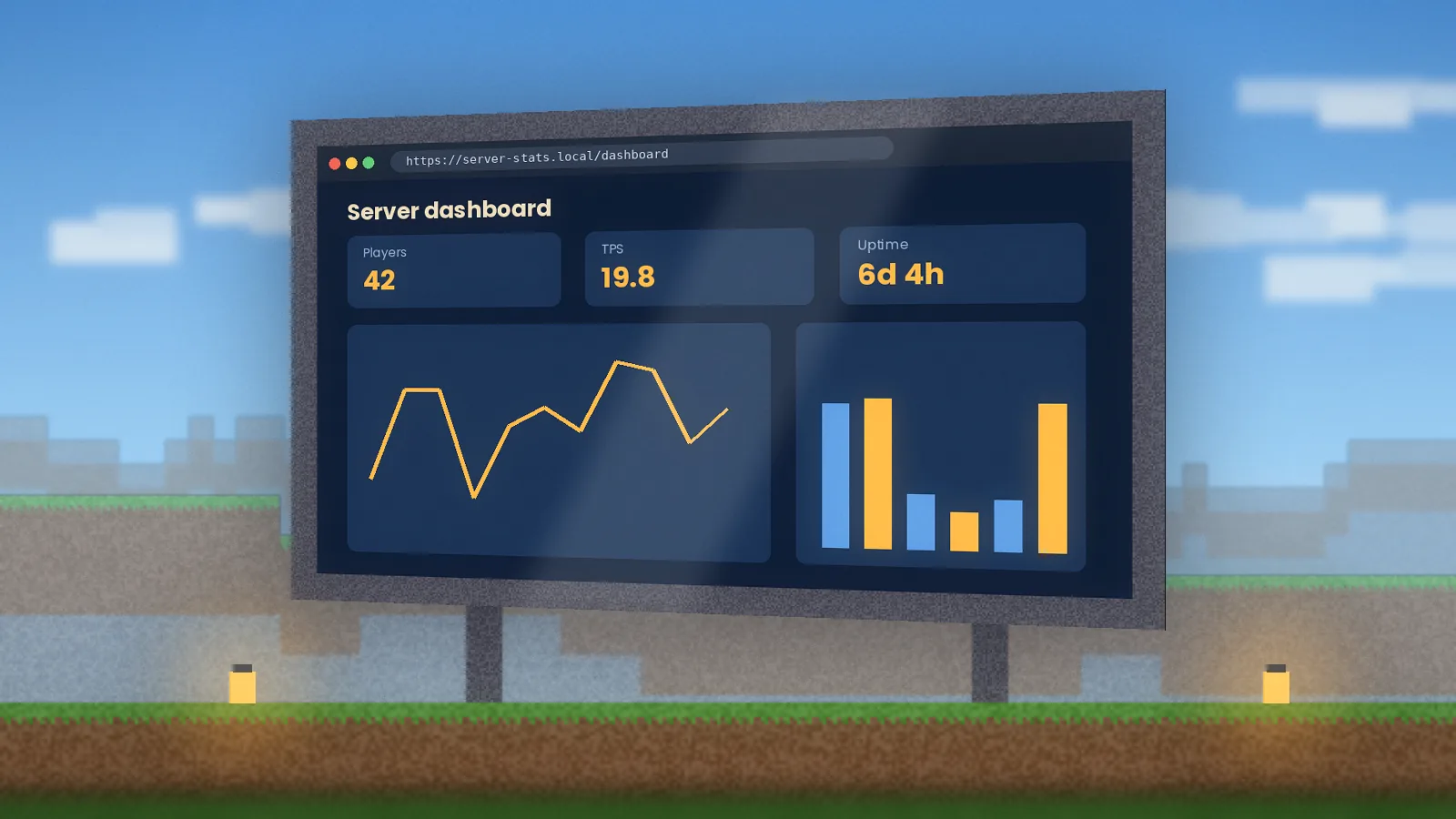
2. Server dashboard
Put your server status page or a stats dashboard in the admin room. A 720p screen is plenty. Use a dark theme so it doesn't glare, and pair it with a remote controller to switch between graphs.
3. Classroom wall
Teachers can show slides, a timeline or a diagram on the wall of a themed build. A linked keyboard lets students search during an activity, and owner-only permissions keep control with the teacher.
Five more ideas
- 4. Lobby rules board: the server rules or Discord invite on a static page.
- 5. Live world map: a web map of your server so players can plan routes.
- 6. Music room: a small screen playing a radio stream for background audio.
- 7. Arcade: HTML5 browser games on cabinet-sized screens with keyboards.
- 8. Wiki kiosk: a recipe wiki next to your crafting area for new players.
Build tips
- Scale resolution with viewing distance: small screens rarely need more than 480p.
- Limit how many screens play video at once to protect FPS.
- Use redstone upgrades to switch pages at sunset or when a button is pressed.
- Pause screens in unloaded areas by pointing them at a blank page.
For item-by-item instructions, see the user guide. Need more ideas? Browse the features page or our alternatives comparison for mods that pair well.
Quick answers
How many WebDisplays screens can I place without lag?
It depends on your hardware and what each screen shows. Static pages cost little, while video and animated dashboards use CPU and memory. On a mid-range PC, a handful of active video screens is a sensible limit. Lower screen resolution, pause unused displays with a blank page, and allocate enough RAM to Java.
Can other players interact with my screens on a server?
Yes, on a server with the mod installed on both sides, players can see and interact with screens depending on the permissions you set. Owners can restrict who clicks, types or changes the URL. For public builds such as lobby boards, lock the screen so visitors can view it without redirecting it to other sites.